Ravi Sorathiya: Android developer, Kotlin & Jetpack Compose
Explore Ravi Sorathiya's Android work with Kotlin and Jetpack Compose: Messages, Gallery Pro, a PDF editor, and technical notes behind the apps.
You remember a name. Maybe an Android app. Maybe a conversation about Jetpack Compose. But you don’t have the link.
Here is a small guide to finding my work: Ravi Sorathiya, plus the thing you remember. Try ravi sorathiya android, ravi sorathiya jetpack compose, or ravi sorathiya kotlin.
I’m an Android developer working with Kotlin and Jetpack Compose. This portfolio brings together my apps, the technical decisions behind them, and the notes I write along the way. Think of this page as a few different doors into that work.
Find Ravi Sorathiya by name, skill or Android project
Pick a query below, or type your own: the preview switches to the part of my site that matches best, and every result is a real link. Google it opens your exact query in a new tab.
These are illustrated search previews, not screenshots of Google results or measured search traffic.
 Ravi Sorathiyahttps://ravisorathiya.github.ioRavi Sorathiya — Android Developer | Kotlin & Jetpack Compose Apps
I build and ship Android apps people use every day — dialers, SMS messengers, galleries, calendars and a full PDF editor.
 Ravi Sorathiyahttps://ravisorathiya.github.io › projects › phone-callPhone Call — Android app by Ravi Sorathiya
A replacement default phone dialer with spam blocking, call themes and caller ID.
- Ravi Sorathiyahttps://ravisorathiya.github.io › blog › shipping-android-apps-template-remote-config-baseline-profilesOne template, 11 Play Store apps: Remote Config, consent and Baseline Profiles
Sep 30, 2026 — The shared foundation behind my Google Play apps: Firebase Remote Config switches, a GDPR consent flow, onboarding, in-app updates and Baseline Profiles for fast startup.
People also search for
Already on the site? Then you don’t need Google at all. The built-in search goes all the way down to individual sections of every article and case study.
// fastest way in
Search the whole site from anywhere
Press Ctrl K on any page to search every app, article and feature, or .
“Ravi Sorathiya Android”: meet the developer
If you remember my name and what I build, start here. My About page covers my skills and experience, while the project collection gives you the apps themselves.
My work includes dialers, SMS messengers, galleries and productivity tools. Open a project to move beyond a name and an icon: each case study explains what the app does and some of the engineering behind it.
Or browse them the way you’d browse a store: the phone below lists every app that is live on Google Play.
// on the phone
Search the shelf like a store
Every app here is live on Google Play. Filter by category, search a feature like or , then tap an app to open its card.
A styled mockup, with no store ratings or install counts.
“Ravi Sorathiya Jetpack Compose”: Messages and Gallery Pro
Remember the toolkit? Try my name with Jetpack Compose.
Two places to begin are Messages, an SMS and MMS app, and Gallery Pro. Their project pages connect the interface to the app’s features and technical stack.
I like that a portfolio can answer the next question, too: after “Do you work with Compose?” comes “What have you built with it?” These pages are where I put that context.
The same goes for the rest of the stack. Pick a skill to see exactly which apps use it, straight from each project’s tech list:
// skill map
Which apps use what?
Tap a skill to light up the apps built with it. Hover an app to see its stack.












“Ravi Sorathiya Kotlin”: native Android and a PDF editor
For a broader look at my Android work, try Kotlin alongside my name. Start with my skills and experience, then visit Dev Notes for a closer look at implementation choices.
One example is building a PDF editor with pdf.js inside an Android WebView. It follows a specific problem across the boundary between web rendering and native Android code.
If that is the work you remember, ravi sorathiya pdf editor is another query to try.
Found me? Here is where to go next
Here for an app rather than the code? Two taps will point you to one:
// two taps
Find your app
What do you do most on your phone?
Curious about the engineering instead? Choose what interests you. This little explorer pairs a project with a technical article, so you can move from what it does to how it works.
interest → app → under the hood
What would you like to explore?
- 1
Meet the app
From a message thread to a photo timeline: Compose in apps built for everyday use.
- 2
- 3
Have something in mind?
Let's talk about your Android project
- Browse what I build: visit all projects.
- Read how things work: explore developer notes.
- Talk about an Android project: use my contact page.
Passing it on
Sometimes you find me for someone else. Every page on this site has its own title, summary and share image, so a link explains itself when you paste it into a chat.
// share it
One link, every chat
Each page brings its own title, summary and share image. Pick a page and an app to see the preview.
Ravi Sorathiya@ravi__sorathiya · now
My Android work, all in one place:
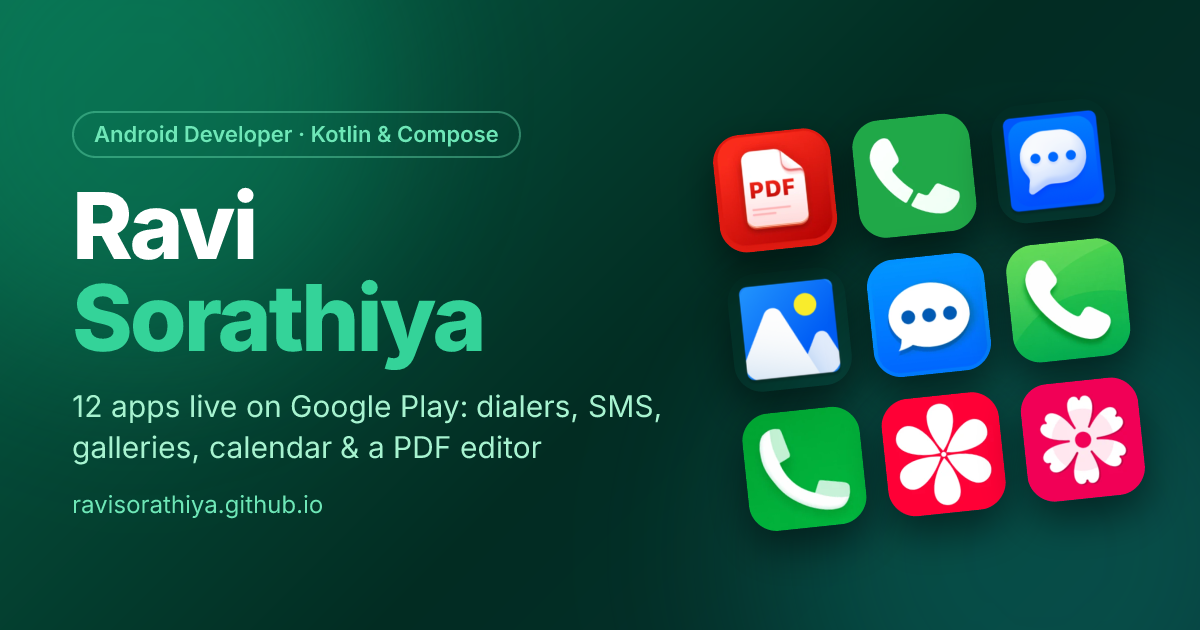 Ravi Sorathiya — Android Developer | Kotlin & Jetpack Compose Apps
From ravisorathiya.github.io
https://ravisorathiya.github.io/Keep my card
You can also skip search entirely and bookmark ravisorathiya.github.io. Or keep the card: flip it for every way to reach me.
Ravi Sorathiya
Android Developer · Kotlin · Compose
A name gets you started. A skill adds context. The projects tell the rest of the story.